
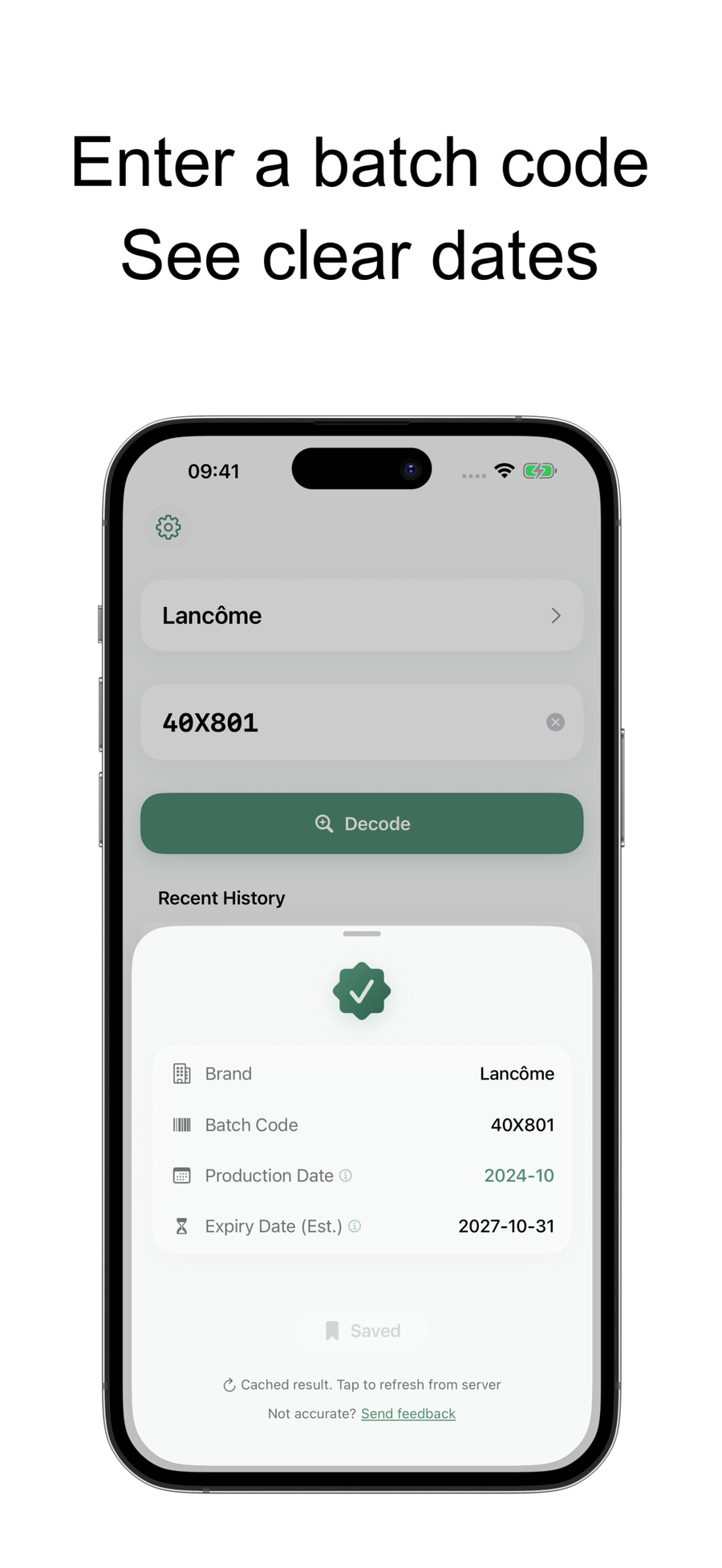
Check first
Decode the batch code and review the estimated production and expiry dates.
Check harder cosmetic batch codes with a guided mobile flow, then save products, edit production and expiry dates, set reminders, and keep beauty decisions in one place.Check harder batch codes, save products, and set expiry reminders.
Decode the batch code and review the estimated production and expiry dates.
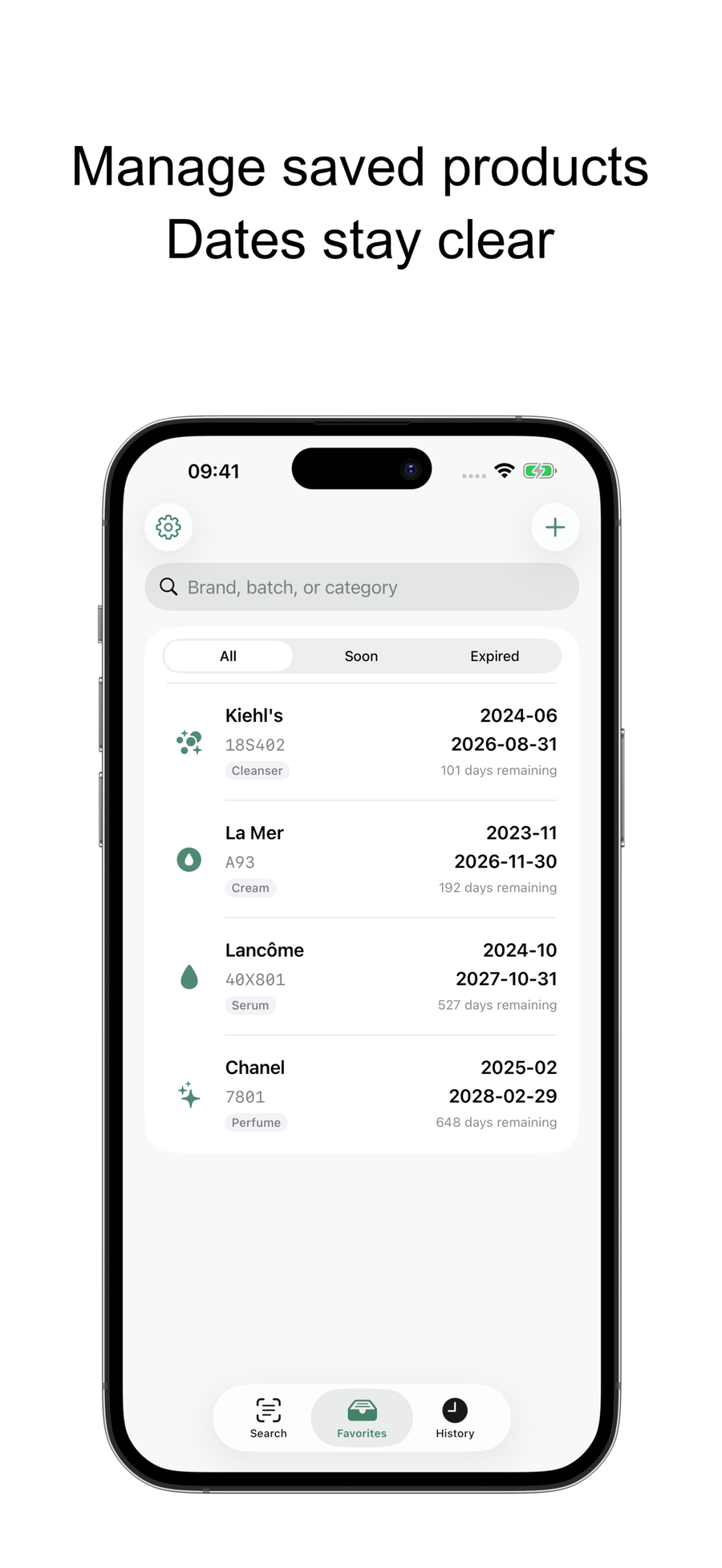
Keep products with dates, categories, and status in a dedicated tab.
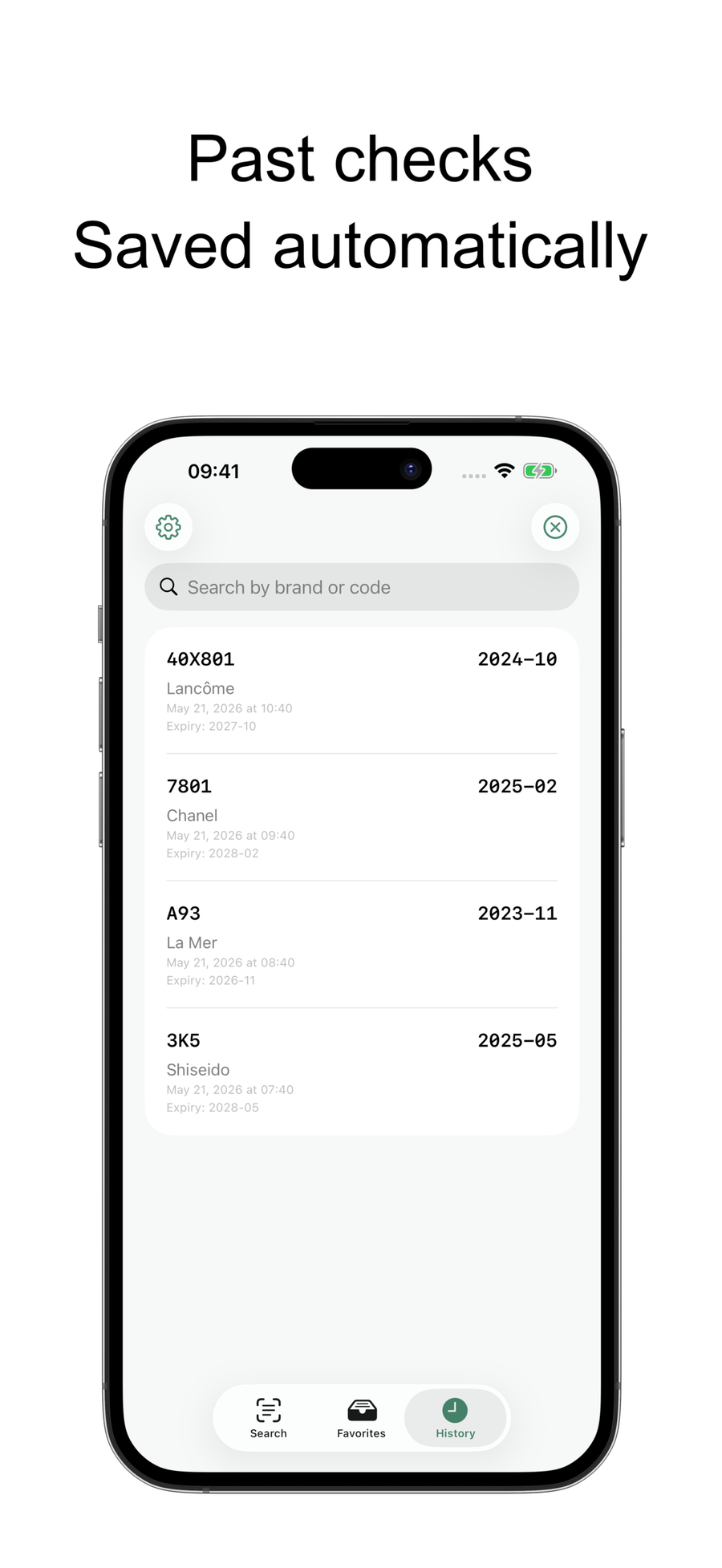
Return to past successful checks without repeating the same lookup.
Continue in the app when a code is faint, unusual, or not recognized by the quick web checker.
Keep brand, batch code, category, production date, and expiry date together after a successful lookup.
Use the API result as a starting point, then adjust production or expiry dates when the printed label gives better information.
Choose default, simple, custom, or no reminders so important products surface before they expire.
No. The website is still best for quick one-off checks from search. The app is better when you want stronger checks, saved products, reminders, and long-term product tracking.
If Universal Links or Android App Links are enabled on the installed app, supported lotdate.com links can open the app directly. Otherwise they continue to the store or web page.
A decoded date is only useful if you remember it later. The app lets you save the product, edit dates when needed, and set reminders before expiry.